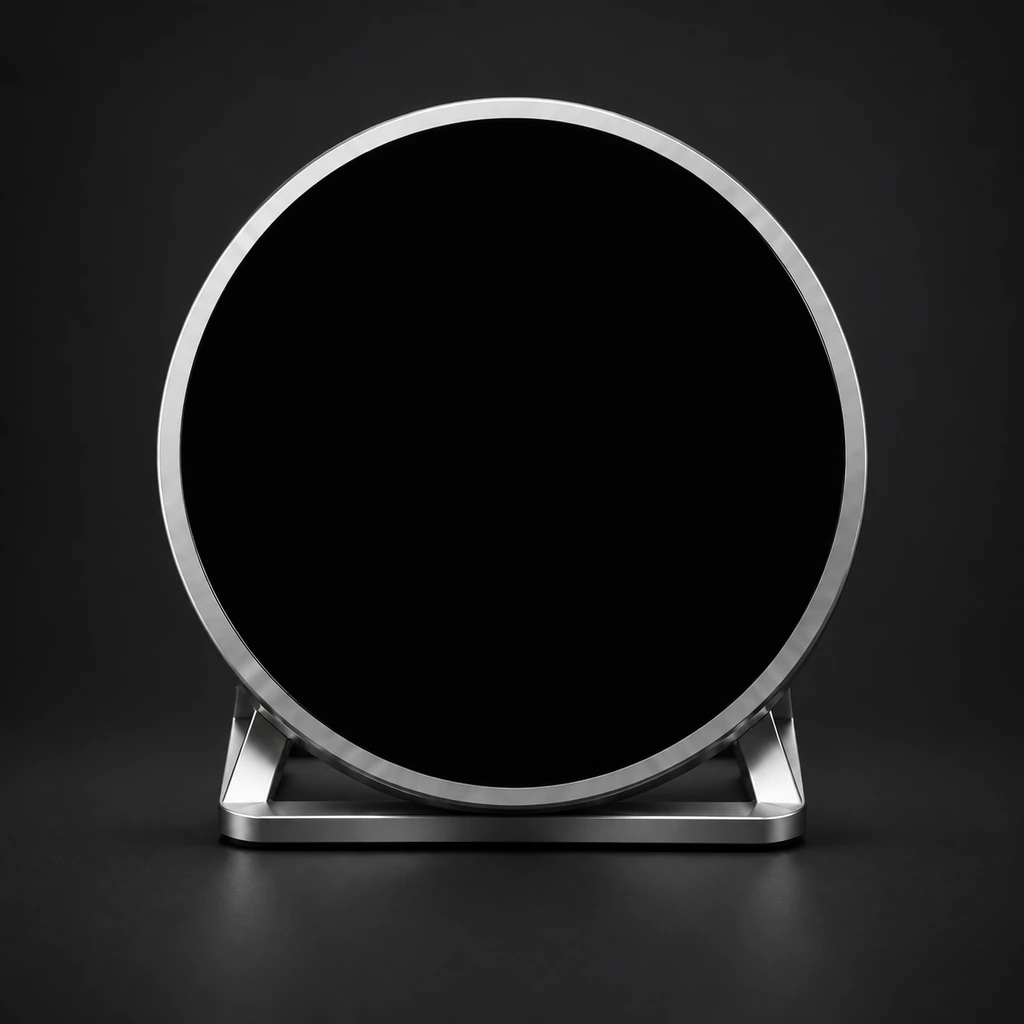
Sample screen · Illustrative data. Not live market quotes.
Choose your focus. Keep it in view.
Local interactive demo · No physical device connected
Choose a market
The companies you follow.
- Selected symbol
- AAPL
- Daily movement
- +1.96%
- Market
- US
Current preview: AAPL · Price
Illustrative data. Not live market quotes.
Continue to researchFrom a glance to the evidence.
Review the chart and news, then test an idea with a strategy.
Workspace example · AAPL illustrative data pictured
Stock research example · AAPL
Explore price history, time ranges and volume in the watchlist.
Open workspace chartsSign in to continue. Data and quantitative coverage depend on the workspace.
Explore the full workspace
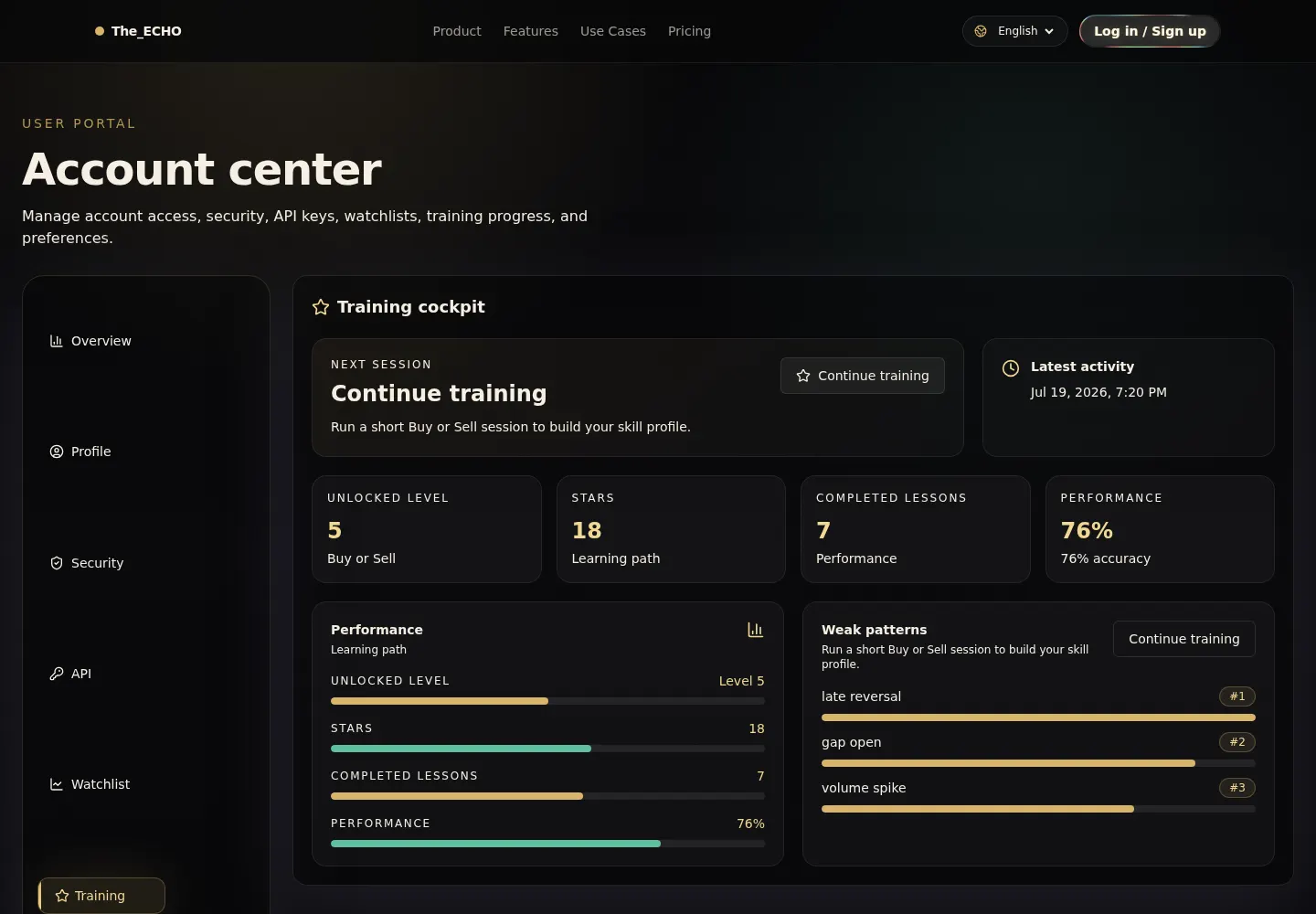
Market state, watchlist changes, actions and account boundaries in one opening view.
Made for your desk.
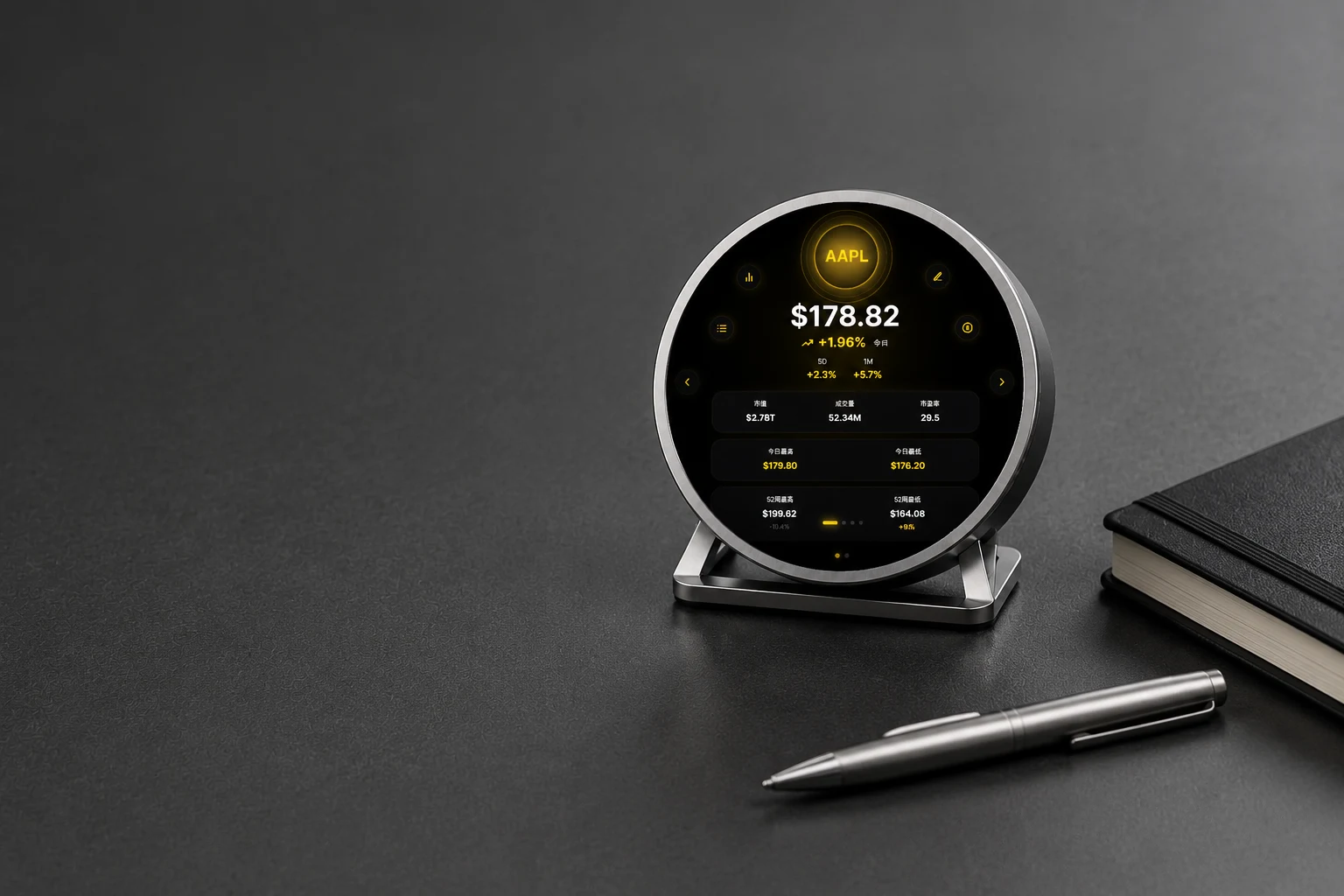
The compact hardware stays visible without adding another full-size dashboard to the desk.
Screen values are design demonstrations, not live market data.01 / 09
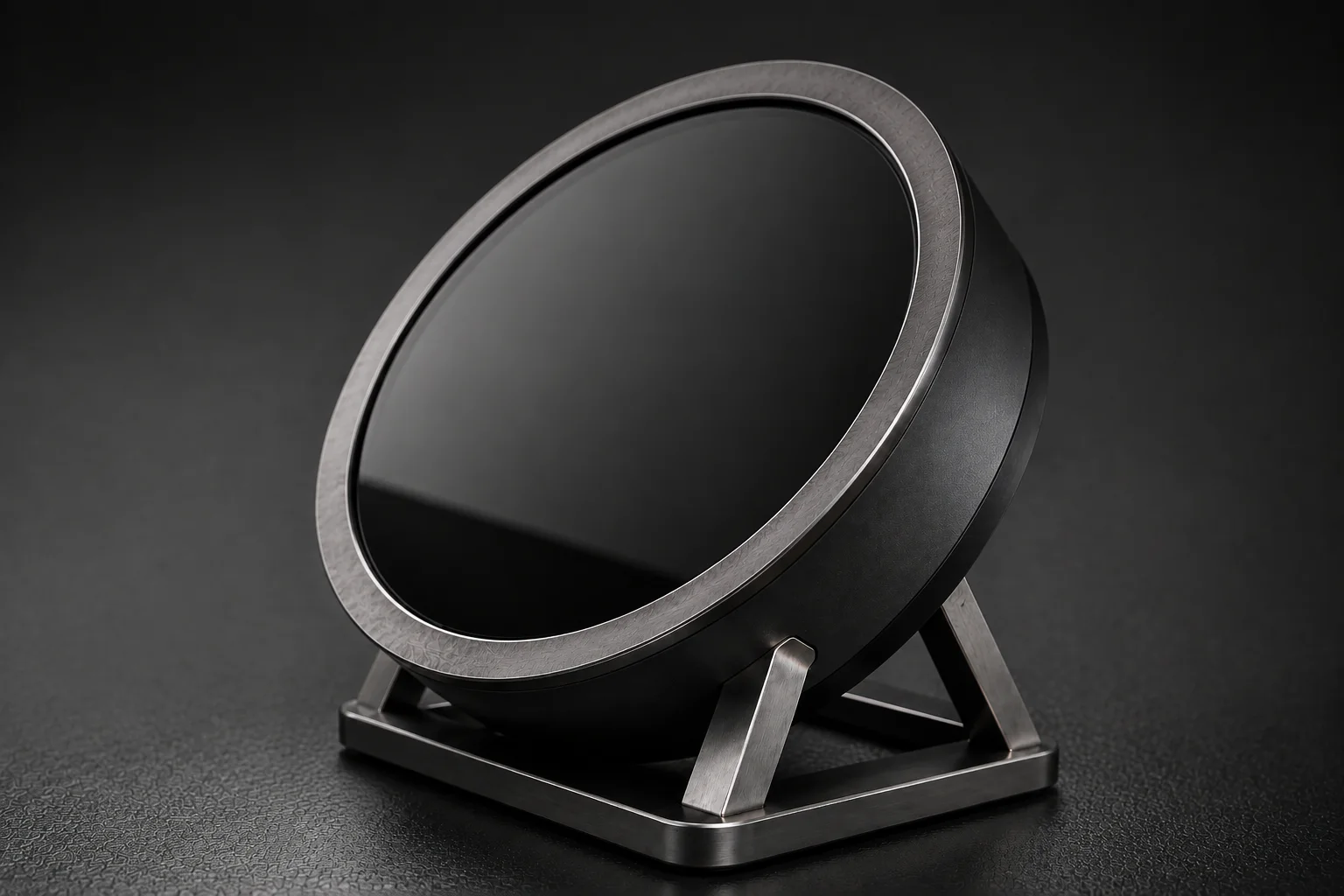
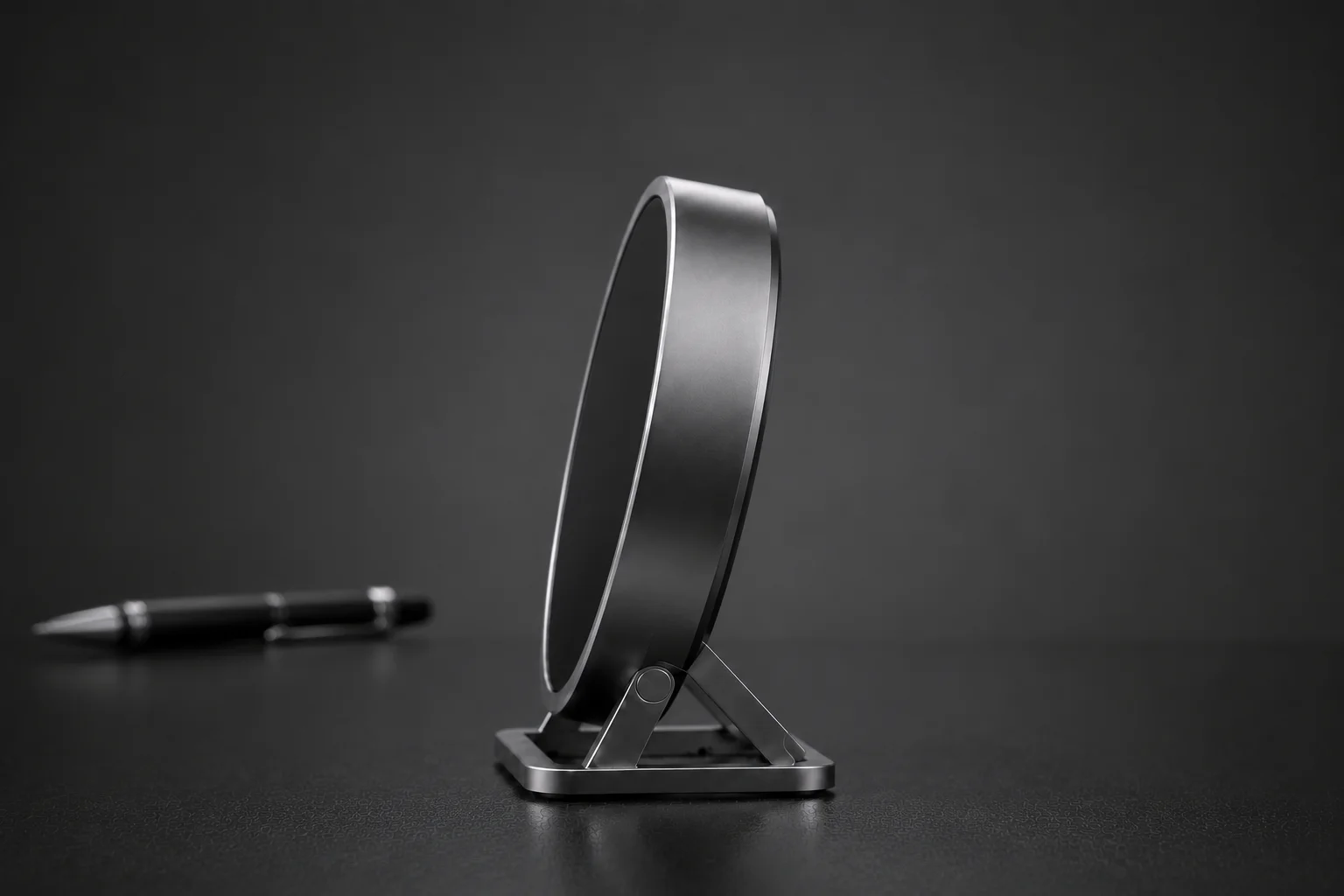
The details that matter.
- Circular display
- 2.14 in / 54.4 mm
- Body diameter
- Approx. 70 mm (design reference)
- Structure
- Circular body · Desk stand
Ask about hardware availability, price and final specifications during your product demo.
Connections, power and delivery
Power, ports, connectivity, pairing, package contents and final dimensions need confirmation; renders do not verify these specifications. Confirm price, availability, shipping, warranty and hardware subscription terms during your demo.
Confirm it during your demo.
- Share your use case
- Explore device and workspace
- Confirm specifications and delivery
Before it joins your desk.
Is the preview live market data?
The screen values on this page are illustrative. Actual coverage and data freshness depend on your connected sources and plan; confirm them during your demo.
Does the device place trades?
The device displays information and research context. It does not place orders, transfer funds or guarantee investment results.
Where do I explore charts and backtests?
Use the web workspace for charts, news, watchlists, financial context and quality-gated quantitative research. The circular device provides a concise view of selected states.
How do I check price and availability?
Request a product demo through the contact form to confirm hardware pricing, availability and final specifications. The research plans shown separately are software subscriptions.